Is my child's artwork private?
Yes. Galleries are private by default. Nobody sees your child's art unless you send them a link, and you can switch a link off at any time.
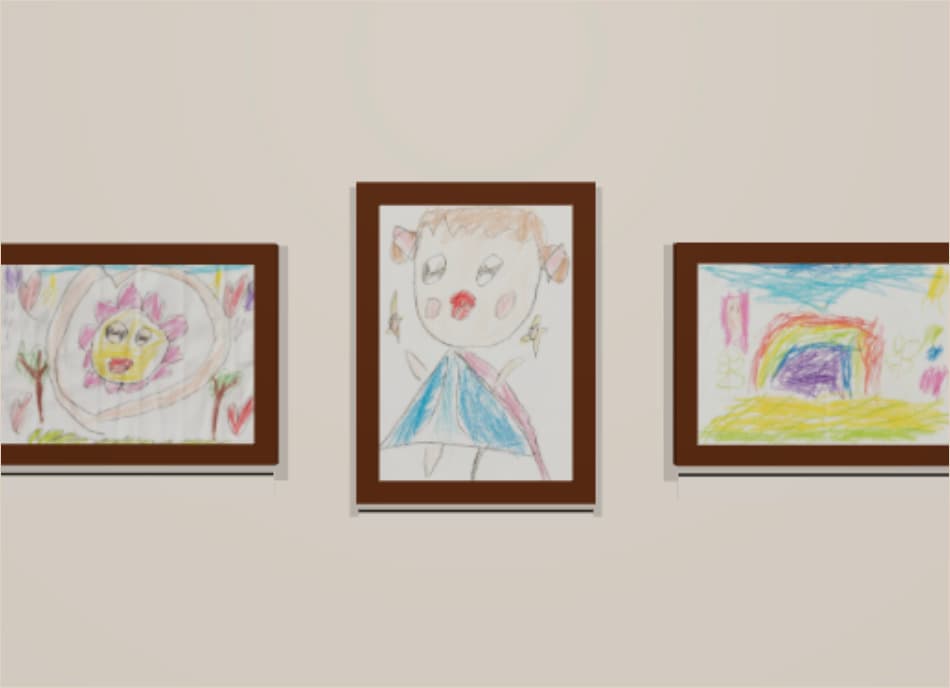
Snap a drawing and it's on a museum wall.
LilMuseum turns your child's art into their own private 3D museum.
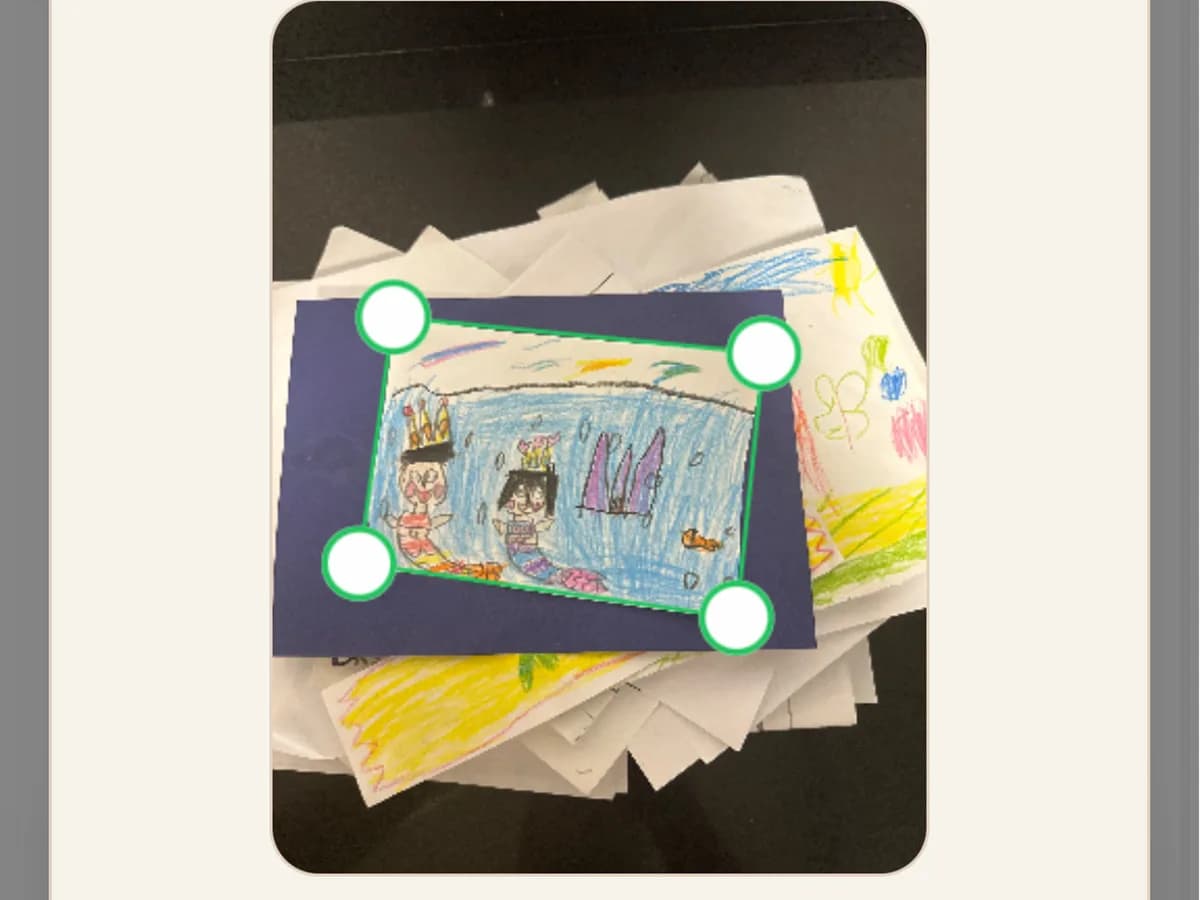
Snap or upload
Use your phone camera, or drag in photos from your computer. LilMuseum straightens the picture and evens out the light, so even a crumpled masterpiece looks ready for the gallery.
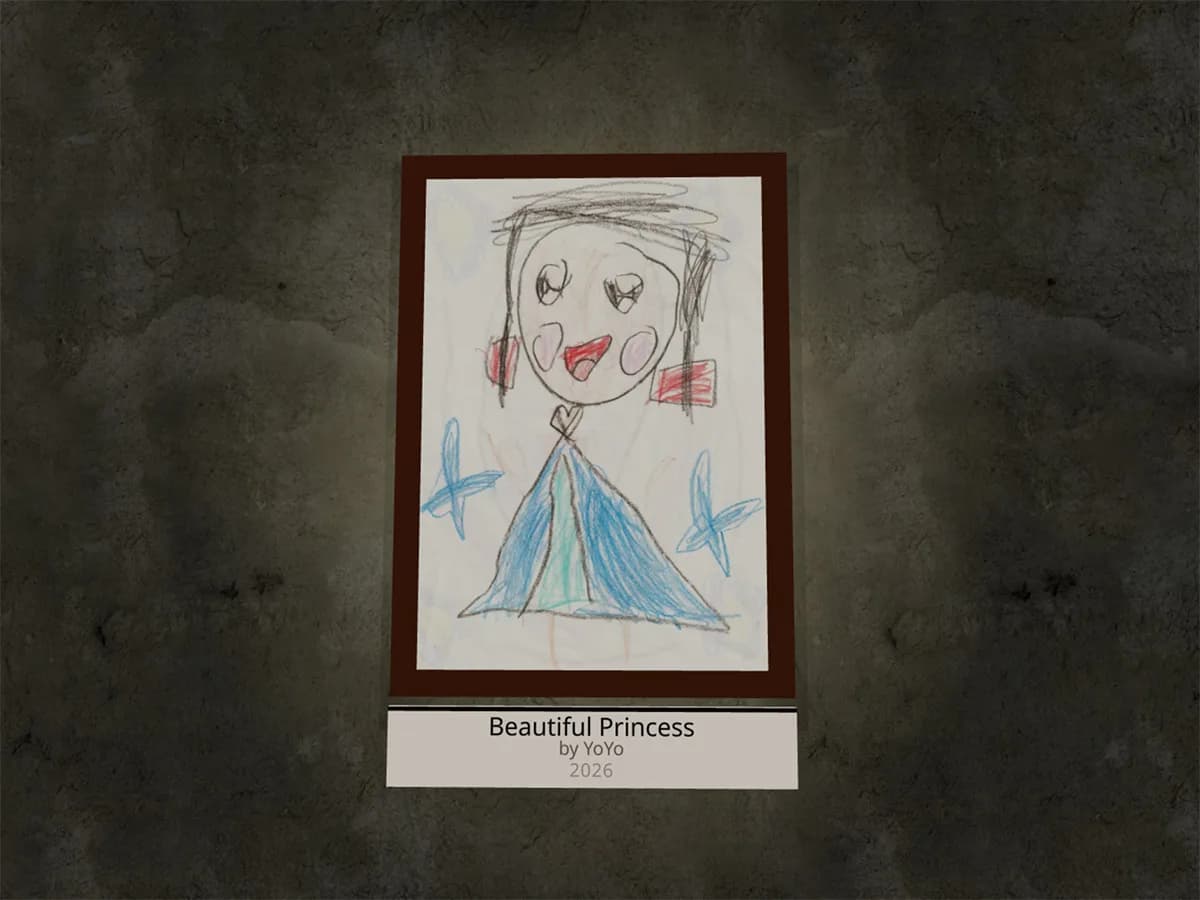
Framed and on the wall
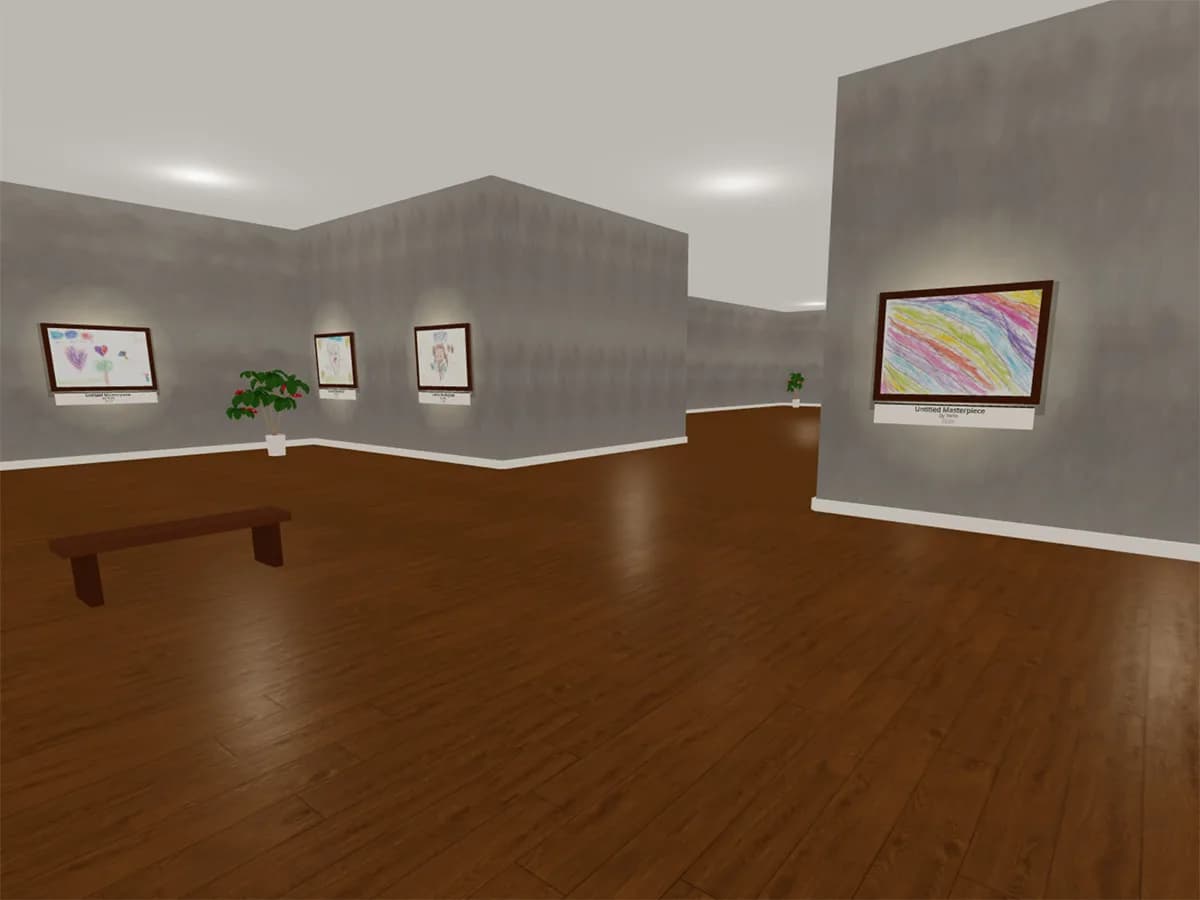
Each piece goes up on the wall of a 3D museum. New rooms open as the collection grows, with no arranging needed.
A museum that grows with them
Add new pieces as they come home and walk back through the old ones whenever you like. The art stays bright long after the paper has faded. Send grandparents a private link any time.
Private by default
Only you can see the gallery until you share it. Send family a view-only link and switch it off any time.
A gallery for each child
Each child gets their own museum and their own rooms, so there's no arguing over whose shark is whose.
Kept for years
We keep the full-resolution original, so the drawing they made at five still looks sharp at twenty-five.
Parents also ask
What it costs, who can see the art, and what happens to it if you leave. The rest is in the FAQ.
Yes. Galleries are private by default. Nobody sees your child's art unless you send them a link, and you can switch a link off at any time.
No. LilMuseum is free for one child and up to 25 artworks, with no credit card needed. If you outgrow that, there's an optional paid plan called Curator.
Yes. The art is your family's, not ours. You can take it with you or close your account whenever you like, without asking us first.
Start a free gallery today. No credit card needed.